The Only Pages a Squarespace Website Actually Needs (And What to Stop Building)
More pages do not equal a better website. Most solopreneurs need four. Here’s what each one should do.
Here’s what happens when most solopreneurs build their first Squarespace website:
They start with the essentials. Home, About, Services, Contact. Then they think: what else should I add?
So they build a Resources page. A Blog page that never gets updated. A Testimonials page. A FAQ page. A “Work With Me” page that’s basically a duplicate of the Services page. Before they know it they have 10+ pages — and half of them are collecting dust.
Here’s the truth: more pages do not equal a better website. In fact, most solopreneurs convert better with fewer, clearer pages. Every additional page is another decision your visitor has to make. Another place they can get lost. Another opportunity to leave without taking action.
A simple website isn’t a lazy website. It’s a strategic one.
Why Most Solopreneur Websites Are Overbuilt
It usually comes down to one of three things.
"Everyone else has these pages, so I should too." You look at competitor websites and see a Resources page, a Press page, a Portfolio page. But those businesses might have different goals, different audiences, different revenue models. What works for them may not work for you.
"More pages feel more professional." There’s this idea that a real business website needs to be big and robust. But visitors don’t count your pages. They just want to know if you can help them.
"I might need it later." So you build an FAQ page with two questions and a blog with zero posts. You’re building for a future version of your business — while confusing your current visitors in the process.
Every page on your site should have a clear, active purpose. If it doesn’t, it’s not adding credibility. It’s adding friction.
The Four Pages Every Solopreneur Website Actually Needs
This is the only structure most solopreneurs need to start converting. Everything else comes later — if at all.
1. Home — Your clearest first impression
Your homepage has one job: immediately communicate what you do and who you help. Not your life story. Not a montage of every service you offer. Just clear, confident positioning.When someone lands here, they should know within five seconds what you do, who it’s for, and where to go next. That’s it. One clear CTA. One obvious path forward.
What to include:
✔️ A headline that states your value — not a clever tagline, an actual value proposition
✔️ A brief explanation of your offer — specific enough that someone immediately self-selects in or out
✔️ One primary CTA — your most important next step, above the fold
✔️ Optional trust signals — a testimonial, a logo, a single social proof element
What to leave out:
X Long backstory paragraphs before the offer is even explained
X A wall of services with no prioritization
X Multiple competing CTAs pulling visitors in different directions
2. About — Credibility, not biography
Your About page isn’t an autobiography. It’s a credibility and connection page. People aren’t reading it to learn your entire life story — they’re reading it to decide if they trust you enough to work with you.Your “why” matters more than your resume. Your approach matters more than your credentials. And yes — your About page should have a CTA at the bottom.
What to include:
✔️ Why you do what you do — your ‘why’ builds connection faster than any credential
✔️ How you work — your process or approach, briefly
✔️ What makes you different — your perspective, not just your qualifications
✔️ A CTA — where should a reader go after they decide they like you?
What to leave out:
X Chronological work history that reads like a LinkedIn profile
X Every certification or credential you’ve ever earned
X Anything that doesn’t answer: “Why should I trust you?”
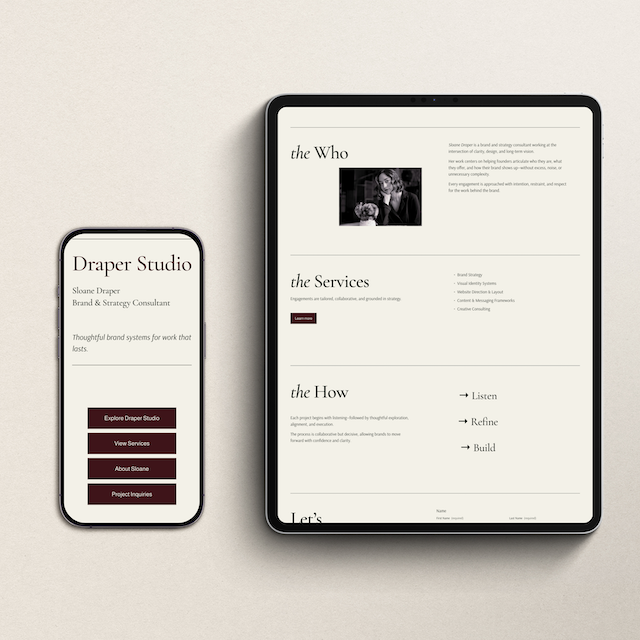
If you want layouts that already follow this structure — clear positioning, an About section that converts, and an intentional user path — the Refined + Golden Squarespace website templates are pre-built around exactly this framework.
3. Services — Your case, clearly made
This is where you make your case. If you offer multiple services, that’s fine — but you need to prioritize one. Make it visually dominant. Make it the obvious next step for someone who’s already been warmed up by your homepage and About page.Your services page should give visitors enough information to make a decision — not so much that they feel overwhelmed.
What to include:
✔️ A clear description of your core offer — what it is, what’s included, what changes for the client
✔️ Who it’s for (and who it’s not) — specificity builds trust and filters for the right people
✔️ Pricing or a starting range — if applicable; hiding pricing creates friction
✔️ A CTA to book, buy, or inquire — one action, not three
What to leave out:
𝐗 A laundry list of services with no hierarchy or prioritization
𝐗 Vague language like “customized solutions” with no specifics
𝐗 “Reach out to learn more” without giving them enough to decide first
4. Contact — One clear, friction-free next step
This page should make it effortless to take action. That’s the entire brief. Don’t overthink it — just make it easy.The fewer decisions a visitor has to make on this page, the more of them will complete it.
What to include:
✔️ A short form — name, email, and one or two relevant questions. That’s it.
✔️ Or a direct booking link — Calendly, Acuity, or HoneyBook all work well
✔️ A brief warm note — what happens after they submit? How quickly will you respond?
What to leave out:
𝐗 Long explanations of your process before they’ve even reached out
𝐗 Multiple form options with confusing labels
𝐗 Anything that adds a step between “I’m interested” and “I reached out”
When to Add More Pages (And When Not To)
The rule is simple: only add a page if it serves a specific, active goal in your business right now.
Good reasons to add a page:
✔️ You have a blog and you’re actively and consistently publishing — not starting with two posts from last year
✔️ You have a portfolio or case studies that meaningfully support your sales process
✔️ You have a lead magnet and need a dedicated, distraction-free landing page for it
✔️ You have a secondary offer that genuinely serves a different audience
Not-good reasons to add a page:
𝐗 “It feels like I should have one”
𝐗 “Other businesses in my industry have one”
𝐗 “I might need it someday”
Don’t build pages you might need. Build pages that serve your business right now.
What About Testimonials, FAQ, Portfolio, and the Blog?
These don’t need their own pages — and honestly, they’re stronger when integrated rather than isolated.
Testimonials — weave them into your Home and Services pages where they actually support a decision, not into a separate page no one navigates to
FAQ — add it to your Services page or a footer accordion; questions that come up during the sales process belong near the offer
Portfolio / Case Studies — a gallery or featured work section on your Services page does more than a standalone Portfolio page with no context
Blog — only add it to your navigation if you are actively publishing. A blog with two posts from last year signals neglect, not credibility. Add it when you’re ready to commit to it.
Keep everything consolidated. The goal is a shorter path to yes — not a complete tour of your business.
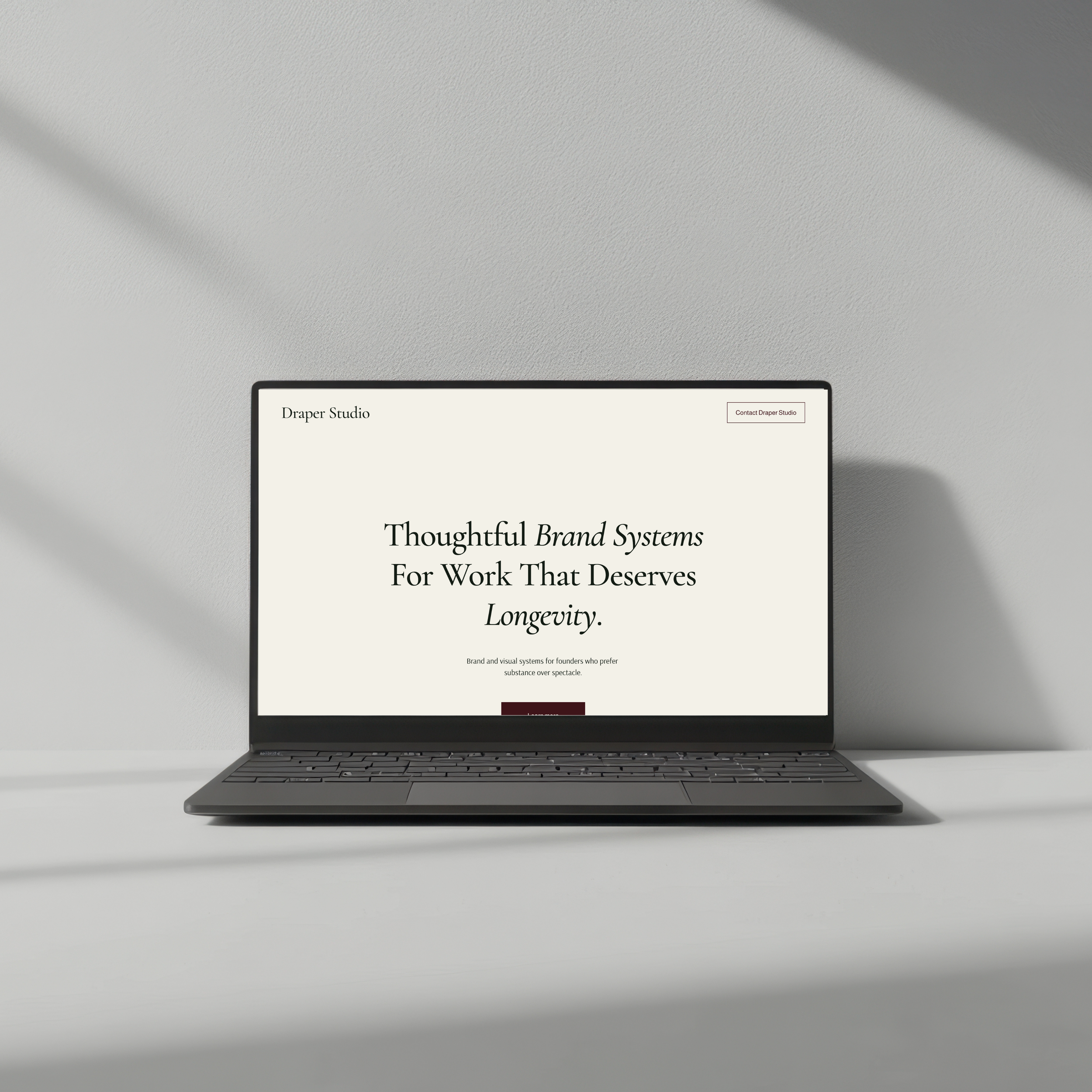
The Refined + Golden one-page website template is designed for Squarespace users who want clarity without the clutter — pre-built, easy to customize, and structured to convert.
Quick Audit: Is Your Website Overbuilt?
Run through these four questions honestly:
✔️ Can a stranger land on my homepage and know exactly what I do in five seconds?
✔️ Does every page on my site have a clear purpose and a visible CTA?
✔️ Are there pages I could remove and my site would still convert?
✔️ Are there pages getting near-zero traffic in my analytics?
✔️ If you answered no to the first two — or yes to the last two — it’s time to simplify. Not as a compromise. As a strategy.
Simple Websites Don’t Just Look Better. They Convert Better.
When you strip away the unnecessary pages, something shifts. Your message gets clearer. Your visitor’s path gets shorter. Your conversions go up.
You’re not trying to be everything to everyone. You’re clearly presenting your offer and making it easy to say yes. That’s the whole job.
Here’s where to go from here:
Browse the Refined + Golden template shop — Canva website templates built around this exact framework, ready to customize.
Book a website audit or discovery call — if you want a second set of eyes on your current site and a clear action plan.
Grab the free Brand Clarity Guide — because a simplified website still needs a clear message behind it. Start there.
Four pages. Clear purpose. Easy path forward. That’s all it takes.
-
Yes — Squarespace is one of the best website platforms for solopreneurs because it requires no coding knowledge, includes built-in e-commerce and blogging tools, and produces professional-looking results without a large budget or technical team. It's especially strong for service providers, coaches, consultants, and creatives who want a beautiful site they can actually manage themselves.
